05.32 · DEVICES Overdrive
SuperDrive
CATEGORY
Overdrive
Asymmetric feedback clipping overdrive with mid-forward voicing and even-order harmonics

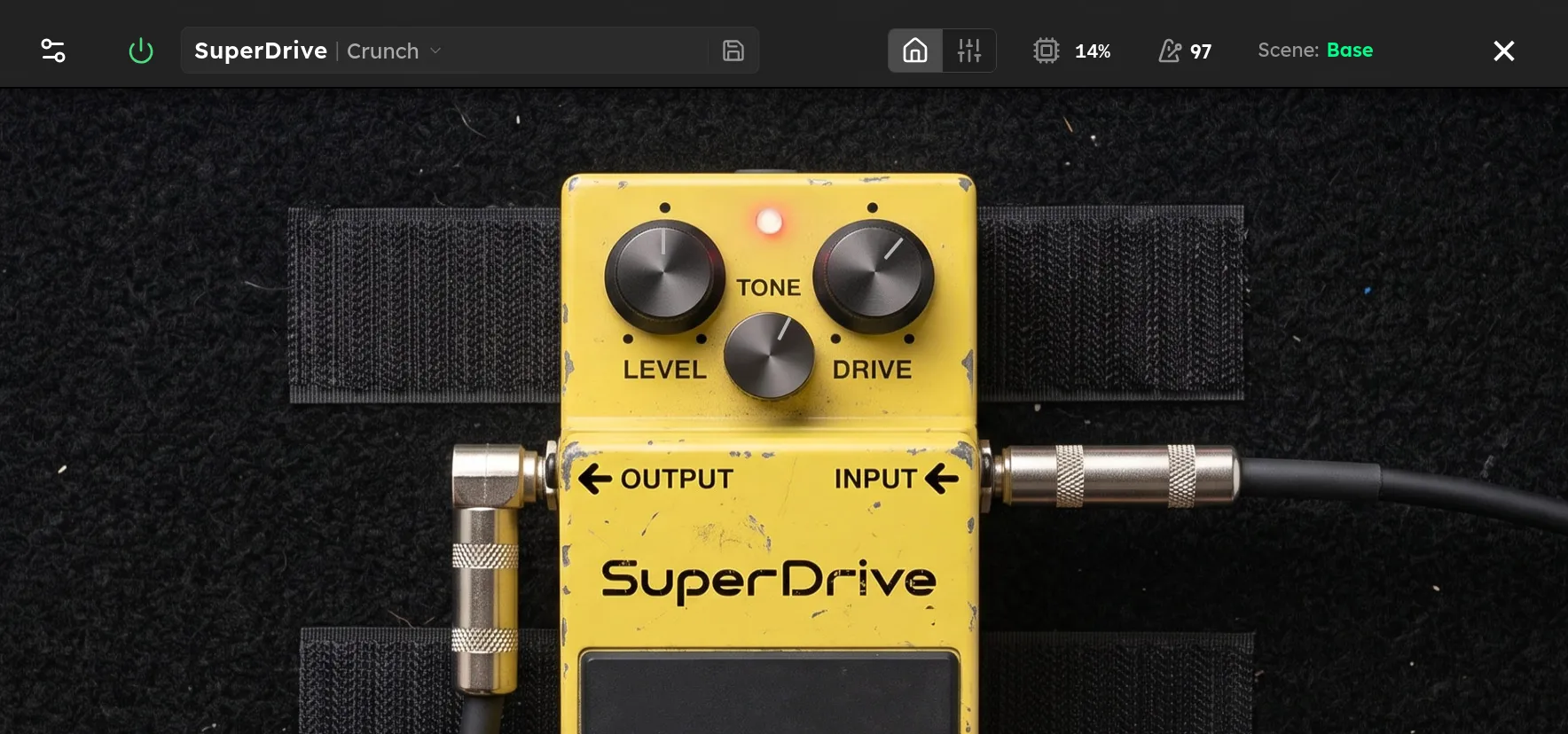
Parameters
| Parameter | Range | Default |
|---|---|---|
| Level | 0 – 12 dB | 6 dB |
| Tone | 0 – 100 % | 50 % |
| Drive | 0 – 100 % | 50 % |
Overview
SuperDrive is a mid focused overdrive with asymmetric feedback clipping. One side of the waveform clips sooner than the other, adding even harmonics and a slightly rougher texture than a symmetrical overdrive. The filtered low end keeps the sound focused, making the device useful for rock rhythm, singing leads, and tightening an already driven amp.
Drive increases feedback gain and clipping. Tone controls a filter after the distortion, moving from dark at low values to bright at high values. Level adds up to 12 dB at the output for volume matching or for pushing the next stage.
Tips
- For a focused boost, keep Drive below 20%, set Tone near 50%, and raise Level until the amp responds with the desired extra gain.
- For classic mid focused rhythm, start with Drive around 45% and adjust Tone with the full cabinet sound active.
- For a lead sound, raise Drive above 60% and add a modest Level boost. Lower Tone if the upper harmonics become sharp.
- Place SuperDrive before an amp to shape and tighten its distortion. Place it after a clean amp model when you want more of the pedal’s own clipping character.
- Match loudness before comparing Drive settings because the Level control can otherwise mask changes in compression and texture.