Plague OD
Aggressive op-amp distortion with symmetrical clipping and variable post-distortion filter

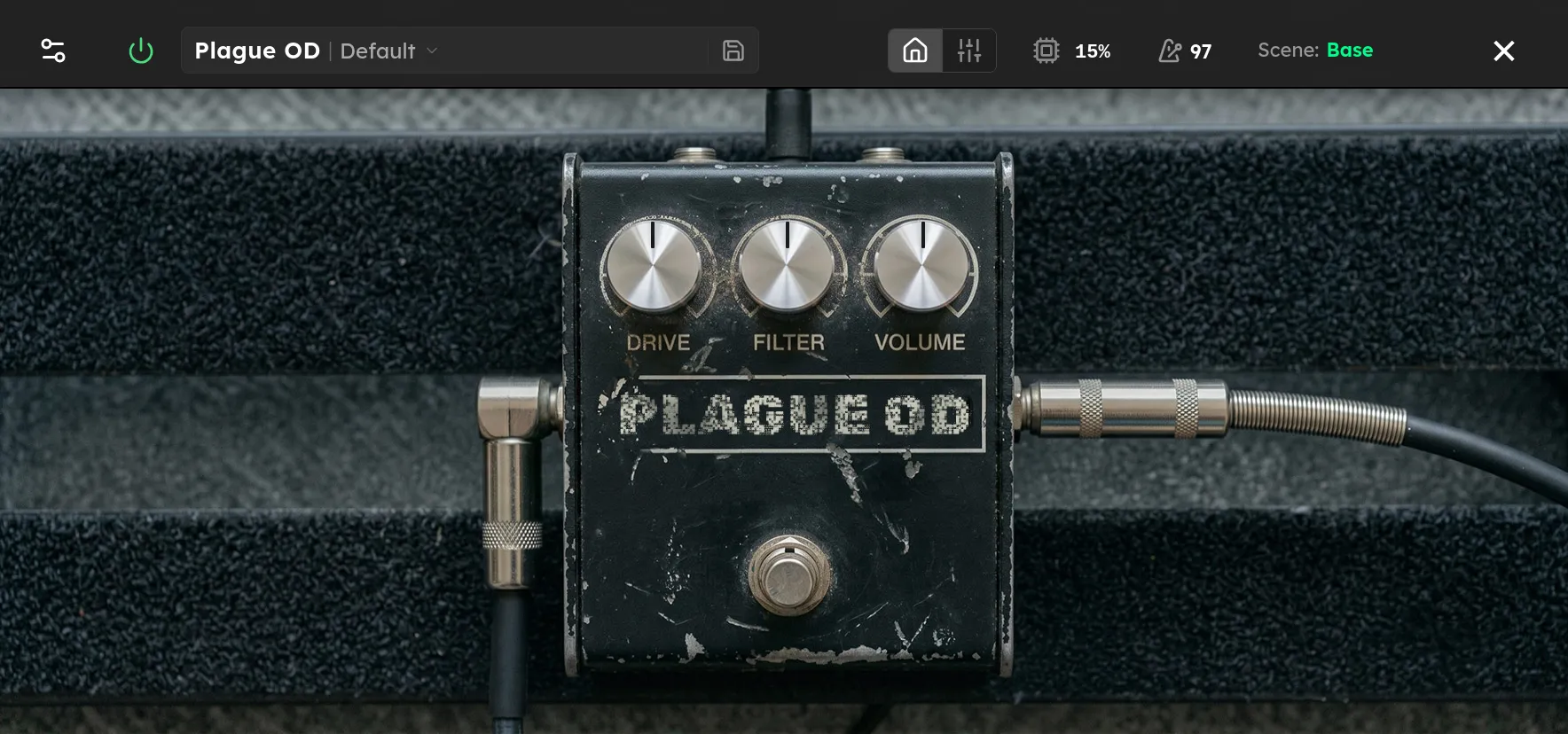
Parameters
| Parameter | Range | Default |
|---|---|---|
| Drive | 0 – 100 % | 50 % |
| Filter | 0 – 100 % | 50 % |
| Volume | 0 – 25 dB | 12.5 dB |
Overview
Plague OD is a faithful RAT-style distortion with a tight low end, a biting upper-mid voice, and hard symmetrical clipping. Its wide gain range moves from gritty boost and crunchy rhythm sounds to thick, compressed distortion with a fuzz-like edge.
The Filter control sits after the clipping stage, so it shapes the harmonics without changing how hard the signal is distorted. It works in the traditional direction for this circuit: low settings are bright and open, while higher settings roll off more treble for a darker, smoother sound.
Controls
-
Distortion sets the gain feeding the clipping stage. Low settings add light grit and presence. High settings produce more compression, sustain, and saturation.
-
Filter controls a post-distortion low-pass filter. Turn it down for more bite and harmonic detail, or turn it up to tame fizz and soften the attack.
-
Level sets the output gain without changing the clipping character. Use it to match the bypassed volume or to push the next device or amp harder.
Tips
For a gritty boost, keep Distortion low, set Filter below halfway, and raise Level to taste. This keeps the attack clear while adding the pedal’s characteristic upper-mid bite.
For classic hard rock or punk rhythm tones, start with Distortion and Filter near halfway. Lower Filter for more pick attack and cut, or raise it if the sound becomes harsh through a bright amp or cabinet.
At high Distortion settings, the response becomes more compressed and fuzz-like. Raise Filter to smooth the extra harmonics, then increase Level as needed to maintain volume.
When placing Plague OD before an already driven amp, reduce Distortion and use Level for the push. Into a clean amp, higher Distortion settings provide more of the complete distortion sound.
Starting Points
| Setting | Distortion | Filter | Level |
|---|---|---|---|
| Gritty Boost | 10 % | 20 % | 4 dB |
| Classic Crunch | 45 % | 45 % | 8 dB |
| Punk Rhythm | 60 % | 30 % | 10 dB |
| Thick Lead | 70 % | 65 % | 12 dB |
| Fuzz-Like Sustain | 90 % | 55 % | 18 dB |
Treat the Level values as starting points. Pickup output, other devices, and amp gain all affect the final volume.