06.1 · DEVICES Reverb
Aether
CATEGORY
Reverb
Live spectral clouds: capture a note, chord or whisper and let it bloom into an evolving cinematic texture.

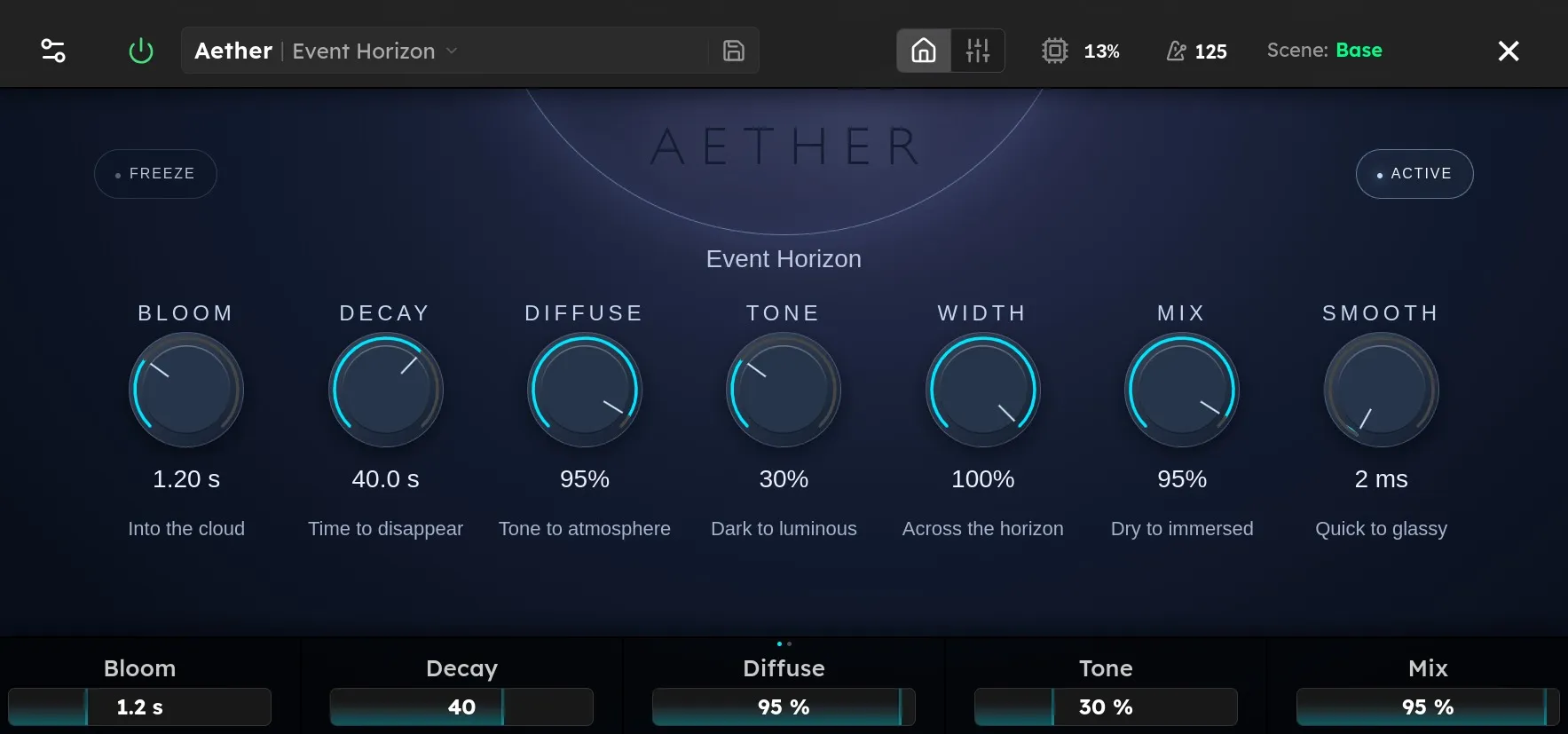
Parameters
| Parameter | Range | Default |
|---|---|---|
| Bloom | 0 – 4000 ms | 180 ms |
| Decay | 1 – 60 s | 12 s |
| Diffuse | 0 – 100 % | 85 % |
| Tone | 0 – 100 % | 55 % |
| Width | 0 – 100 % | 85 % |
| Freeze | Off, On | Off |
| Smooth | 40 – 680 ms | 340 ms |
Overview
Live spectral clouds: capture a note, chord or whisper and let it bloom into an evolving cinematic texture.
Use the parameter table above to see the available controls, ranges, and defaults. Device behavior and useful settings depend on its position in the signal chain and on the devices before and after it.
Tips
- Begin with the default settings and adjust one control at a time.
- Compare the device with bypass at a similar output level.
- Save a device preset when you find a setting you want to reuse.