Rigs and Set Lists
How Axion organizes saved setups, including rigs, set lists, and MIDI program changes.

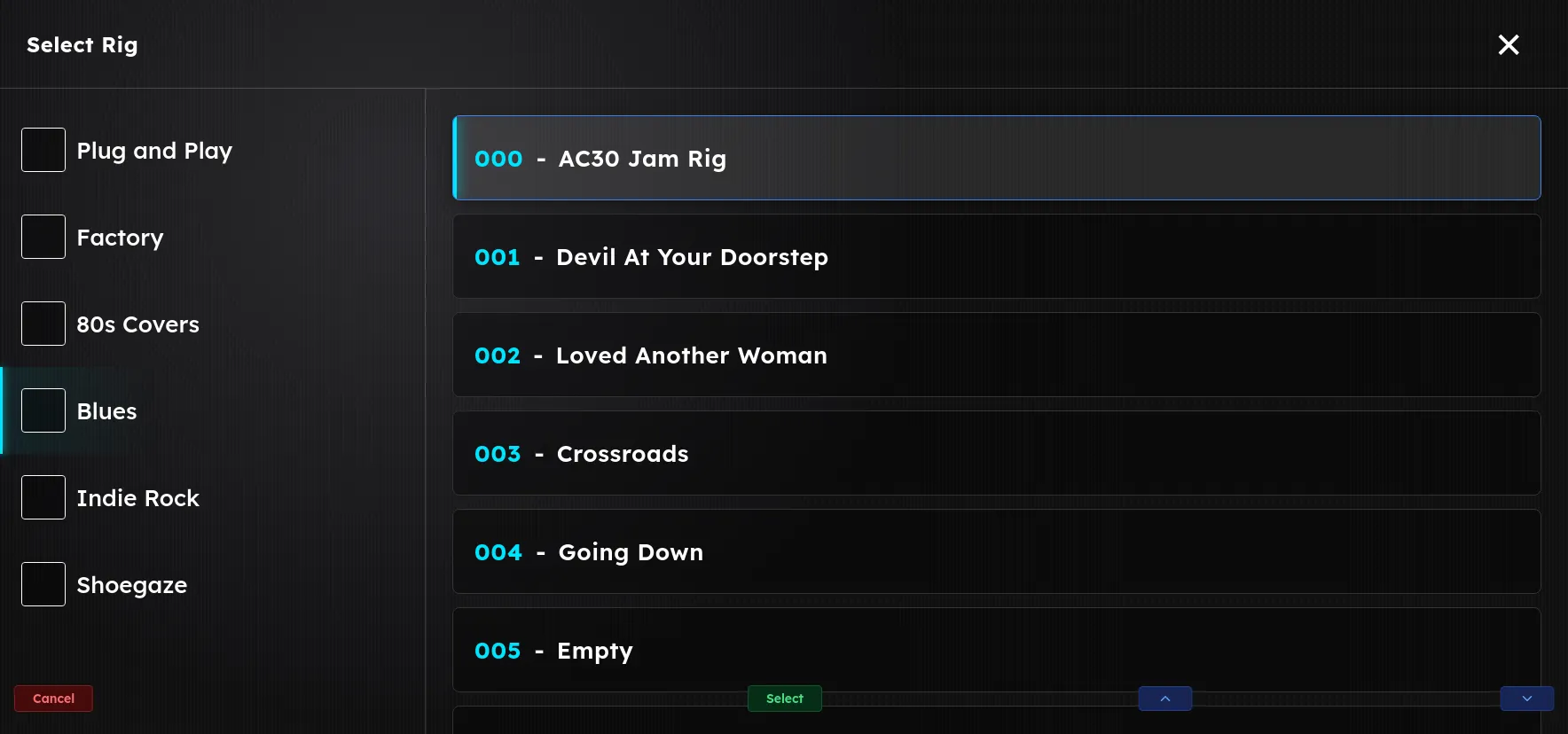
A rig is a complete, self-contained setup: everything Axion runs at one time, saved as a single recallable unit. A set list is a named, ordered collection of rigs. Together, they are how you organize and recall your work, whether at home, in the studio, or on stage.
Rig
A rig is not a single sound. It can hold as many signal chains as you need, each with its own inputs, devices, and outputs, all running at the same time. A guitar chain, a bass chain, and a vocal chain can all live in one rig. Because a rig can also carry the audio and MIDI that go with those chains, a single rig can cover an entire song, or an entire performance, rather than just one tone.
A rig captures everything Axion needs to reproduce that setup:
- One or more chains of devices, in order, each with its own inputs and outputs
- Every parameter value on every device
- Bypass states
- The routing between inputs, chains, and outputs
- Any audio clips and MIDI stored with the rig
- Any rig-level metadata (name, tags, notes)
When you load a rig, the entire rig swaps over to its saved state at once. There is no period where half the parameters have updated; the swap is atomic and click-free.
Rigs are independent of the hardware they live on. A rig made on one Axion unit will load on another, provided both units have the same first-party devices installed and the same third-party devices available.
Set List
A set list is a named collection of rigs in a specific order. Despite the name, a set list does not have to be an actual performance set. It is just as useful as a way to group and categorize rigs into whatever libraries make sense to you. Common uses:
- One set list per gig: “Tuesday Bar Show”, “Studio Session 04/29”
- One per band: “Cover Band”, “Originals”
- One per genre or scene: “Clean Tones”, “High Gain”, “Acoustic”
- As a library or category: “Indie Rock Rigs”, “Favorites”, “Work in Progress”
Each set list maps onto a MIDI bank (0–127). The rigs inside a set list are addressable by MIDI program change (also 0–127). This means you can step through a set list with any standard MIDI controller (a foot controller, a DAW, an iPad), and Axion will load the right rig for the right song.
MIDI Bank Select  →  Selects the set list
MIDI Program Change → Selects the rig within that set list
Bank 0 is reserved for factory rigs, the rigs that ship with Axion. Your own set lists start at bank 1.
Factory vs user rigs
- Factory rigs ship with Axion and live in bank 0. They are starting points (overdriven blues lead, sparkly clean, ambient pad, etc.) and are not editable in place. You can load one, modify it, and save it as a new user rig.
- User rigs are the ones you create. They live in user set lists (banks 1–127), can be edited freely, and travel with your data.
How rigs are stored
Rigs and set lists are stored on the unit as plain, human-readable JSON files, the same open, text-based format used across the web and countless applications. Axion does not use a proprietary or binary rig format. A rig file simply lists its chains, devices, parameter values, and metadata as text.
That choice has real, practical benefits:
- Readable and editable. You can open a rig in any text editor to inspect exactly what it contains, or make careful edits by hand. That’s handy for tweaks, batch changes, or version control.
- Easy to share. A rig is just a file. Send one to another player over email or chat and they can drop it onto their own Axion. Because the format is text, rigs also diff and merge cleanly in tools like Git.
- Portable across units. JSON is not tied to a specific hardware revision, so moving rigs to a new or different Axion is straightforward, provided both units have the same devices available.
- Durable and future-proof. An open text format stays legible for the long term, and is simple to back up, archive, or convert with your own scripts and tools.
You do not need to touch the JSON to use Axion, because the interface manages it for you. But it is there, in the open, whenever you want it. You can copy rig files on and off the unit through the Axion Network Folder.