Looper
Records and plays back a stereo loop. Position in the chain determines what's captured and where it's mixed back in.

Parameters
This device has no parameters.
Overview
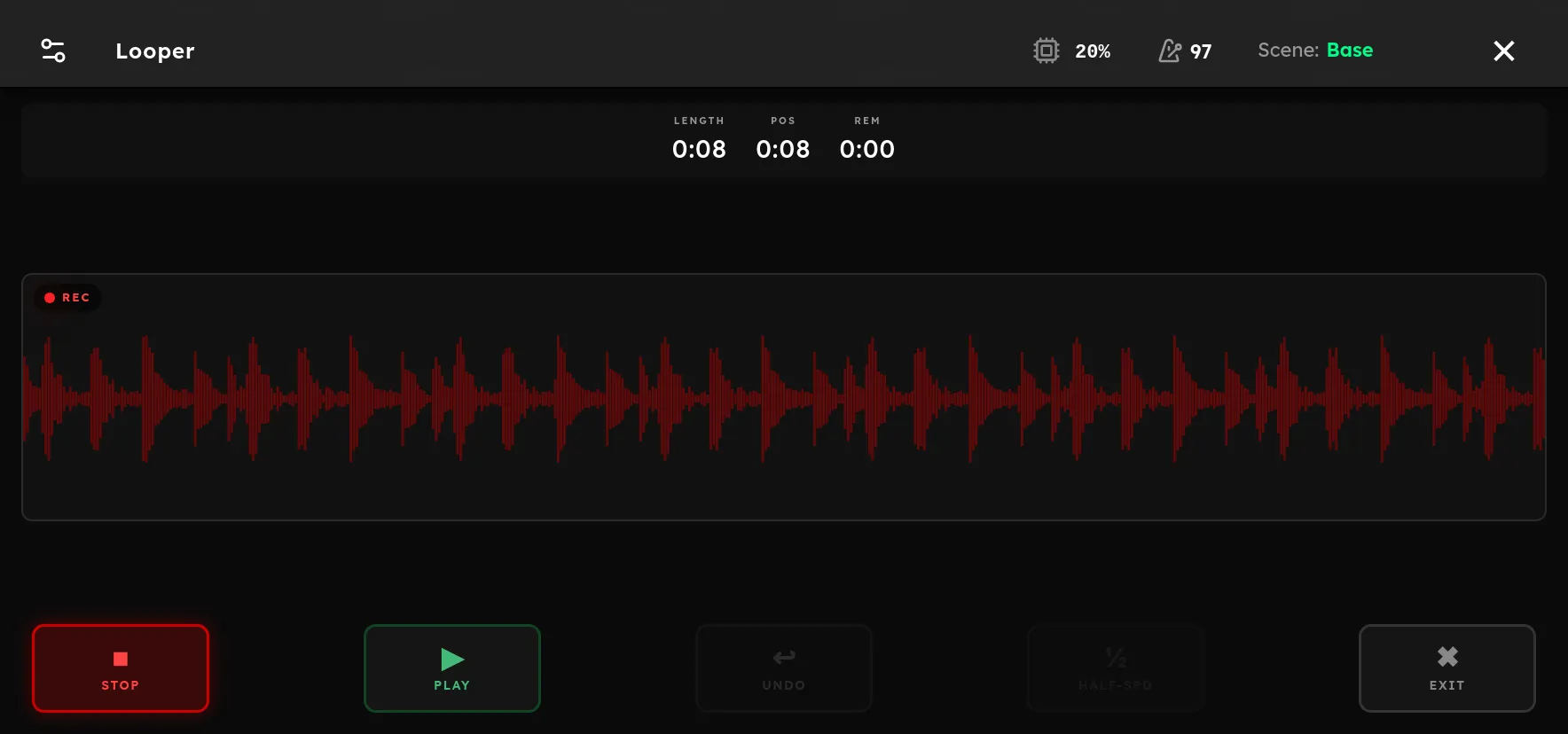
Looper records a stereo performance and repeats it for practice, arrangement, and live layering. Tap the Looper device in Rig Mode to open its dedicated screen. The timeline shows loop length, current position, remaining time, and a separate waveform row for each active layer.
Press Record to arm or begin the first pass. When recording arming is enabled in Settings, the looper waits for a note above the chosen threshold so the loop starts with your playing. A second press while armed starts recording immediately. Press Stop to set the loop length. Use Play to start the loop, then Overdub to add another layer. A short press on Undo removes the latest overdub. Hold Undo for two seconds to clear the whole loop.
The Looper’s chain position matters. Devices before it are recorded into the loop. Devices after it process both the loop and live playing. Only one Looper can be added to a rig.
Tips
- Place Looper near the end of the chain to capture the complete sound. Place delay or reverb after it when you want to change ambience while the loop continues.
- Let the first beat establish the beginning clearly, and stop after an exact number of bars. A clean first pass makes every overdub easier.
- Use recording arming for hands free starts. Adjust its threshold in Settings if background noise triggers recording or soft notes fail to start it.
- Keep each overdub simple and leave level space for later layers. Undo the latest layer if the arrangement becomes crowded.
- Assign looper actions to footswitches when recording while playing. The dedicated screen also maps its first switches to Record, Play, and Undo.