05.1 · DEVICES Delay
Afterglow Delay
CATEGORY
Delay
Stereo dual delay with two independent lines, saturation, and LFO modulation

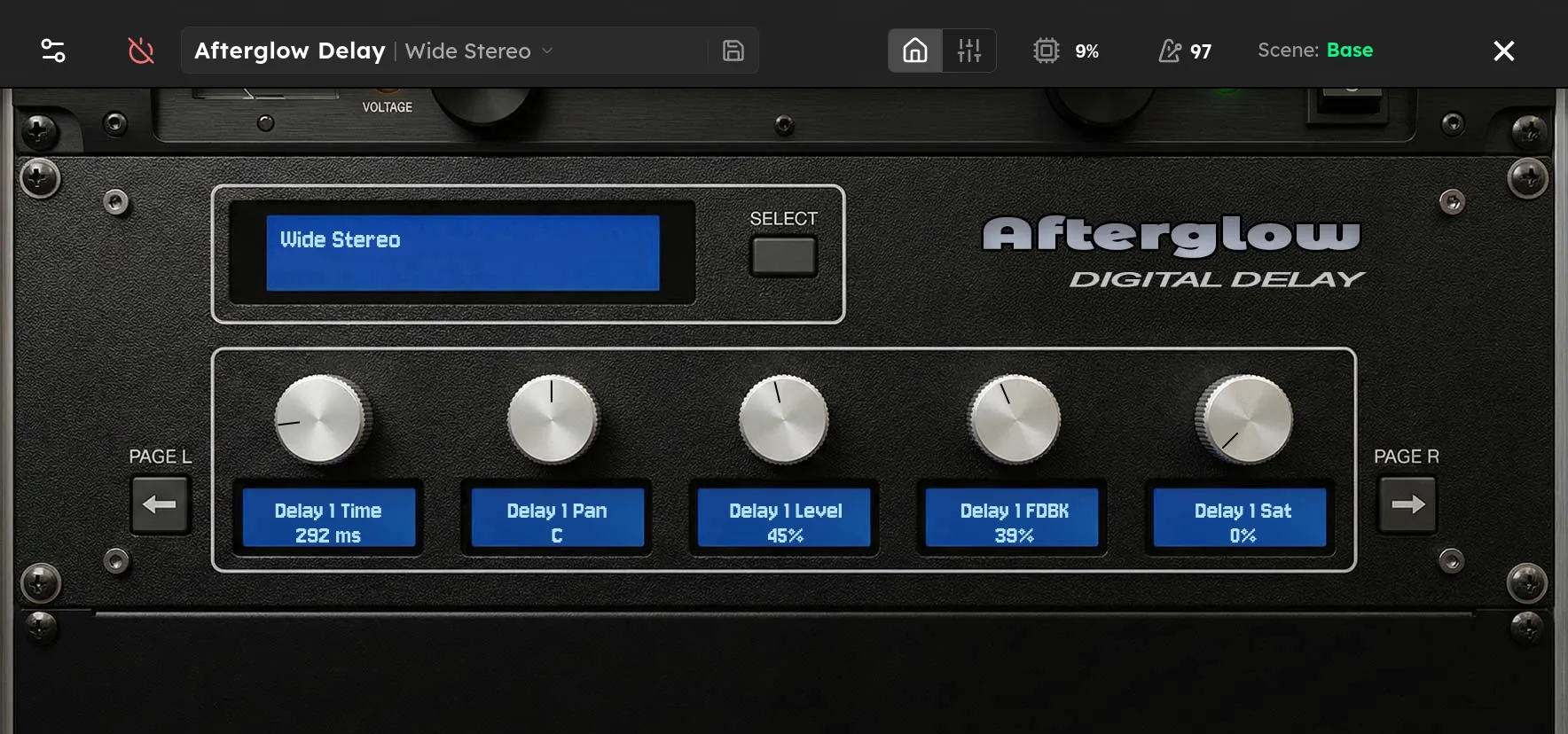
Parameters
| Parameter | Range | Default |
|---|---|---|
| Delay 1 Time | 10 – 2000 | 500 |
| Delay 1 Pan | 0 – 1 | 0 |
| Delay 1 Level | 0 – 1 | 0.5 |
| Delay 1 Feedback | 0 – 0.95 | 0.4 |
| Delay 1 Saturation | 0 – 1 | 0 |
| Delay 1 LFO Depth | 0 – 1 | 0 |
| Delay 2 Time | 10 – 2000 | 375 |
| Delay 2 Pan | 0 – 1 | 1 |
| Delay 2 Level | 0 – 1 | 0.5 |
| Delay 2 Feedback | 0 – 0.95 | 0.4 |
| Delay 2 Saturation | 0 – 1 | 0 |
| Delay 2 LFO Depth | 0 – 1 | 0 |
| LFO Rate | 0.01 – 10 | 0.5 |
Overview
Afterglow Delay provides two independent stereo delay lines. Each line has its own time, pan, level, feedback, saturation, and modulation depth, while both share one LFO rate. Use the two lines as a left and right stereo pair, as two rhythmic taps, or as contrasting clean and dark repeats.
Time sets the spacing of each echo. Pan places that line in the stereo field and Level sets its contribution. Feedback controls the number of repeats. Saturation colors the feedback path, so successive repeats become warmer and more compressed. LFO Depth varies delay time for pitch movement, and the global LFO Rate sets the speed of that movement.
Tips
- For a wide rhythmic delay, set Delay 1 to 500 ms and pan it left, set Delay 2 to 375 ms and pan it right, then keep both Levels near 40%.
- Add a small LFO Depth with a slow LFO Rate for tape like movement. Large Depth values create obvious chorus and pitch effects.
- Raise Saturation to make repeats soften as they decay. Keep it low when the delayed attack must remain precise.
- Feedback values near the top of the range can build very quickly. Increase them while playing and reduce them if the repeats continue to grow.
- For a centered mono style delay, set both Pan controls to the center and use matching times, or lower one line’s Level and use it as a quieter second tap.